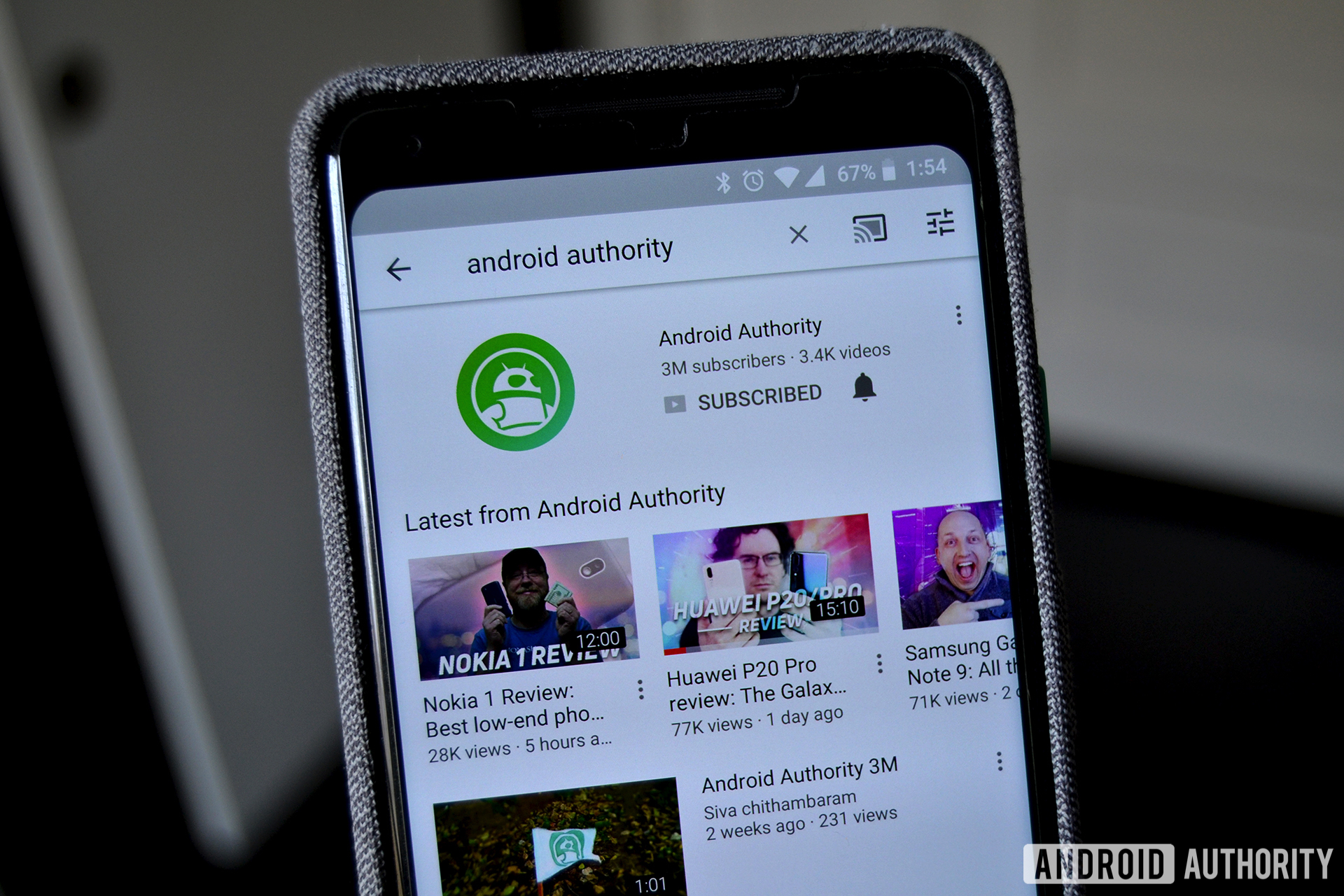
YouTube is the world’s most popular streaming service. You already know what you can find there. The service is so big that there are multiple apps for browsing all of the content. They’re all let you explore various parts of YouTube in different ways. Here are all five YouTube apps and what they do! We removed YouTube Gaming from the list because it is shutting down in early 2019.
Related app lists:


YouTube is the basic YouTube experience. It lets you manage your subscriptions, watch videos, comment, create playlists, watch some movies (if you buy them), watch live streams, and engage with YouTube Originals content. That also includes things like subscriptions, comments, and a discover section based on your likes. Most people know this app and what it does. This is probably the app you use and are most familiar with. YouTube Premium is an optional subscription for $12.99 per month. It opens up YouTube Originals content, removes advertising, allows background play, and more. It also gives you a subscription to YouTube Music and Google Play Music for one of the best video and music streaming combinations available anywhere.

YouTube Kids is like YouTube Gaming, but for kids. It strips out most of the stuff on YouTube and shows only kid-friendly content. It features multiple profile for multiple kids, channel blocking, faster video reporting than the regular YouTube app, and other parental controls. Most of the videos are educational. It's not bad for what it is. It had some problems in the early days with bad advertising and some other stuff. However, the service is mostly clean now. YouTube Red removes the ads and gives YouTube Kids other features.


YouTube Music is the official music streaming service of, well, YouTube. It used to be a spin-off app that took away most of the other YouTube videos and only showed music stuff. It still does that. However, it now also includes the same kind of music streaming experience you find with Spotify, Google Play Music, Apple Music, etc. The music quality could be better and the UI is a little basic. However, it's also a brand new re-design so we expect things to improve over time. Otherwise, you can listen to music, watch music videos, include both in playlists, manage your playlists, and discover new stuff. Like we said, it still has a lot of work to go and it's not available everywhere yet. Check out our video below to see it in action.

YouTube Studio is an app for creators. It lets you manage your personal YouTube account with an emphasis on uploading and publishing video content. You can check your various stats, including view counts, subscriber numbers, and other analytics. Additionally, you can filter and respond to contents, get notifications about stuff, update video details, add thumbnails, manage playlists on your channel, and a lot more. It's not quite as friendly as the web interface. However, it's excellent for responding to comments, making minor changes quickly, and uploading videos as long as you have your thumbnail already on your device. It has a few bugs, but it's good for what it does and it's the best way to do this kind of stuff on mobile. Most people won't need this unless they want to try and start their own YouTube channel.


YouTube TV is the last big YouTube app. It's YouTube's live TV app and doesn't have a lot of actual YouTube videos. For $40 per month you get several dozen channels of live cable TV. The app also includes YouTube Originals exclusive content. However, having YouTube TV doesn't give you YouTube Premium the same way Hulu TV gives you regular Hulu as part of the price. We consider that a missed opportunity. Frankly, the live TV stuff is why most people get YouTube TV anyway. It features most of the popular channels, some local sports and news channels, and some additional add-ons like HBO for extra money. The UI is outstanding, the never-ending cloud storage is a boon, and six profiles for account makes it family friendly. It is usable on three concurrent screens at once and each profile has its own DVR, recommendations, and home page. As of early 2019, it's now available in 98% of the United States.

10 best podcast apps for Android
If we missed anything about these YouTube apps, tell us about it in the comments! You can also click here to check out our latest Android app and game lists!
from Apps & Games – Android Authority http://bit.ly/2S2iwLT
Post A Comment:
0 comments so far,add yours